Sports Autopilot runs your school's broadcasts from start to finish: the cameras in your gym, the live score on screen, switching between cameras, and every game created, started, stopped and archived on your own YouTube channel.
Broadcast Manager runs the YouTube side of every game.

Add your season (or import it) and every game is created as a scheduled YouTube live broadcast automatically: on the right channel, at the right local time, with the right title.
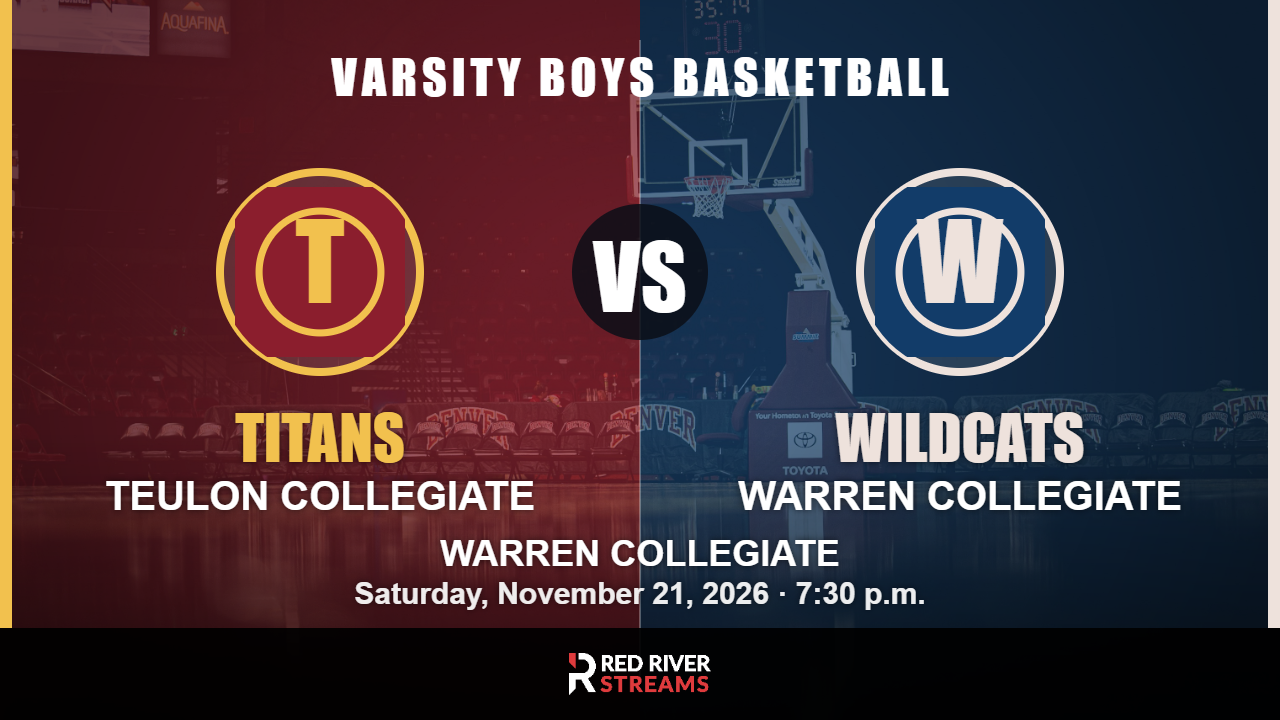
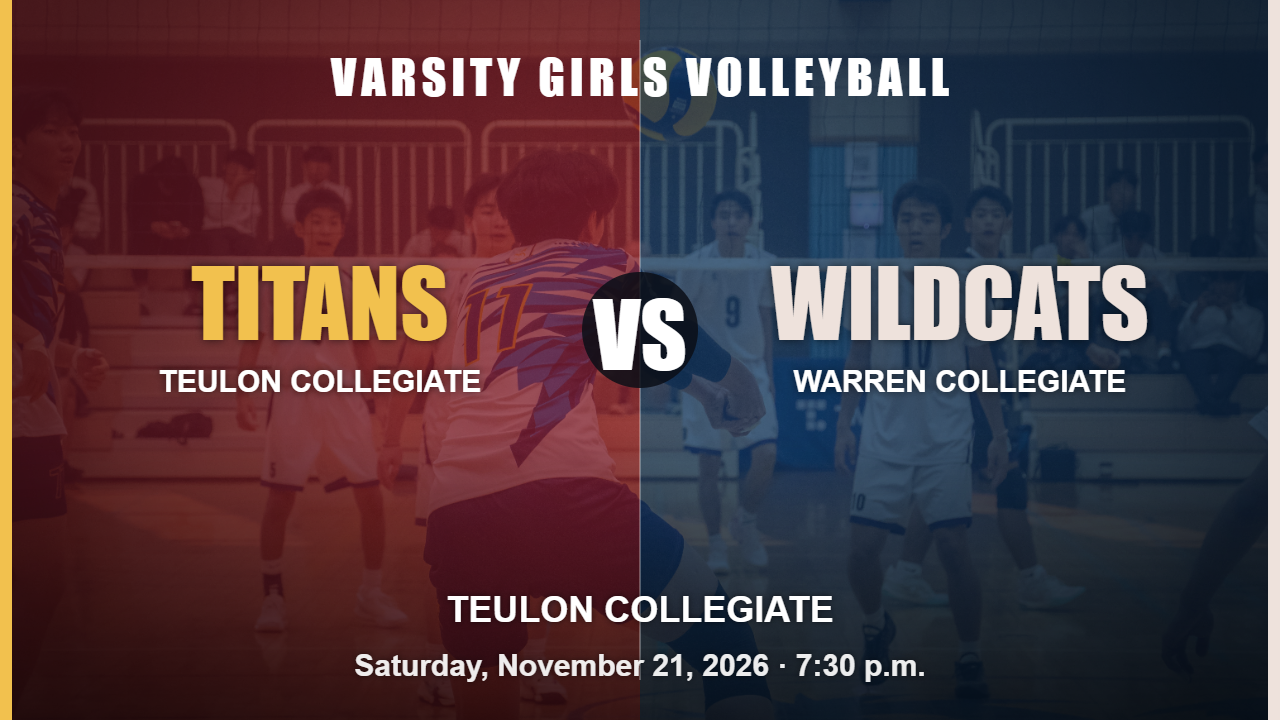
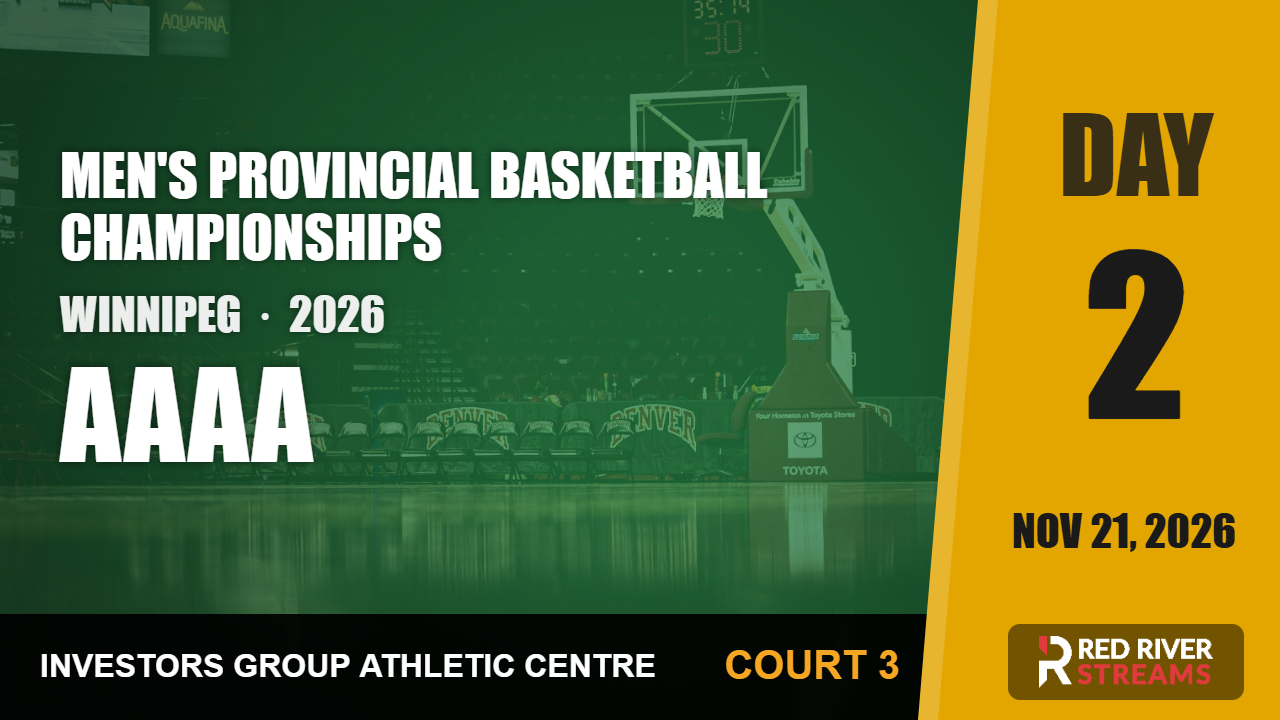
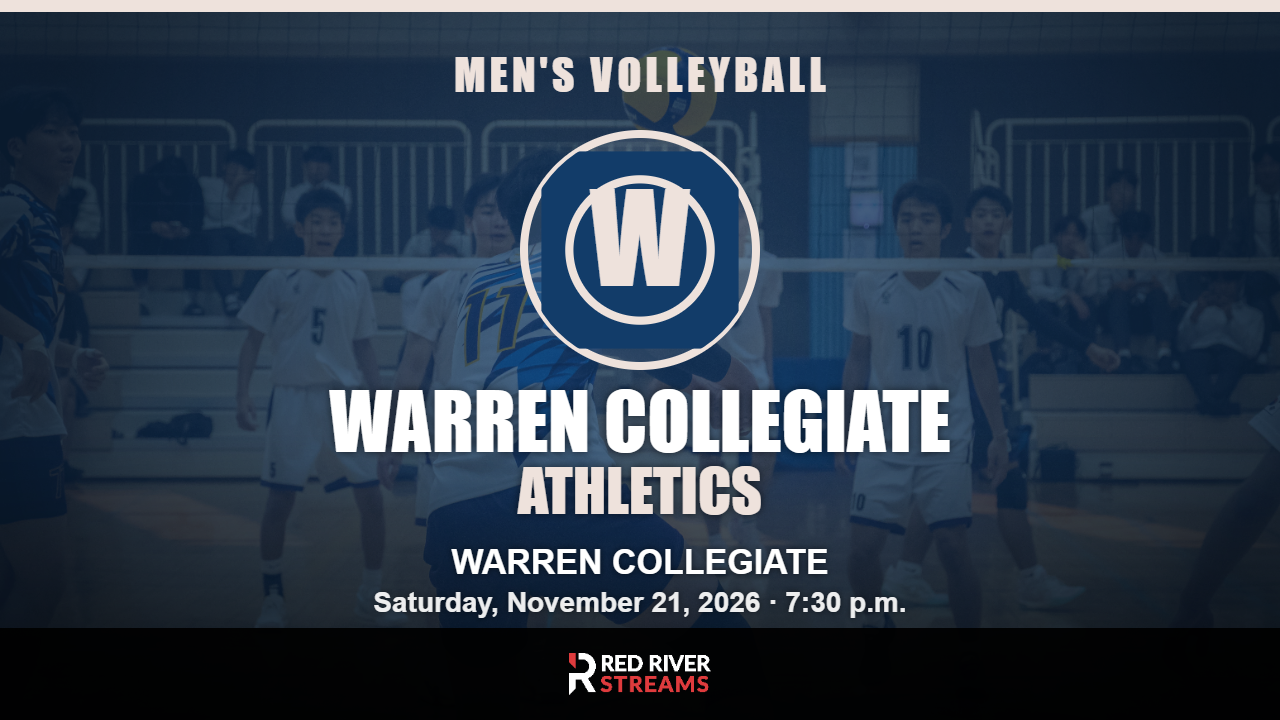
Home-vs-away thumbnails are generated automatically from each school or club's logo and colors. Your channel looks like a broadcast network, with zero design work.


Streams go live and end on their own at game time. Afterward, the recording is published to your channel automatically: every game, live and archived, without a person clicking anything.

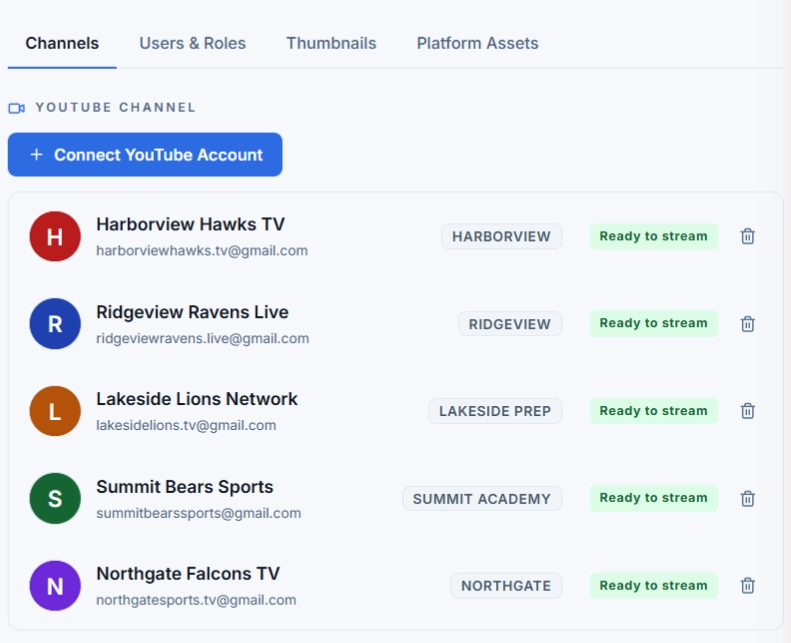
Built for broadcast companies and districts: run many schools and clubs from a single account, each streaming to its own connected YouTube channel.
You connect your own channel through Google's secure sign-in. Sports Autopilot creates and manages broadcasts on it on your behalf. We never take ownership, and you can disconnect or revoke access at any time.
See exactly what we access and why in our Privacy Policy.

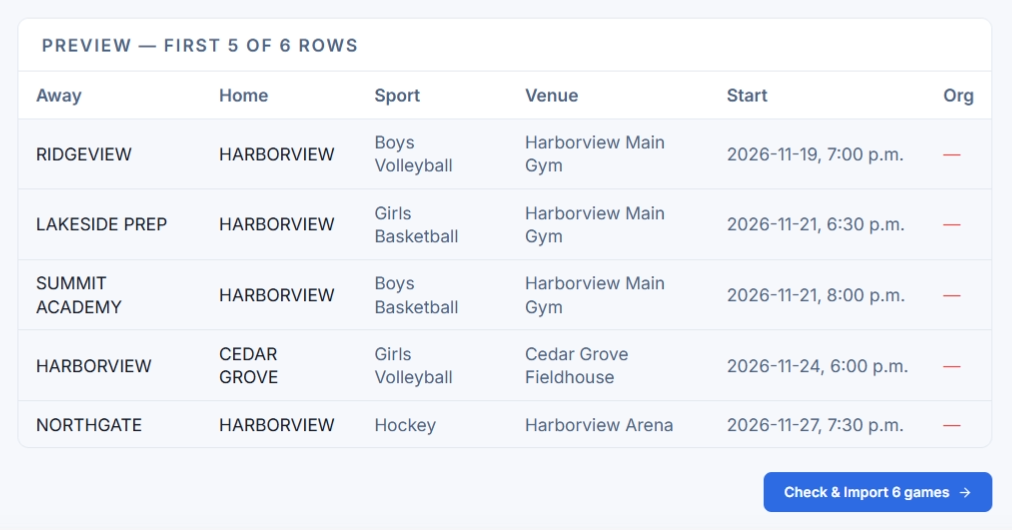
Import a CSV or Excel schedule and Sports Autopilot matches teams and schools automatically. Import your whole season once, and every game is set up.
Reads your gym's scoreboard through a camera and puts the live score on your broadcast.
Pulls the live score straight from your scoring software.
Switches between your cameras automatically to follow the play.
Streams half court games, or up to 3 courts at once for sports like badminton.
Bronze and Silver include 1 game camera, Silver adds a scoreboard feed, and Gold includes 3 game cameras. Your school can buy the equipment, and we can order it for you through our suppliers, or we supply it on a 3 year contract. We install it either way.
Pick a package and we will get your school set up.